
There are a lot of online photo editing tools are available on the internet where you can resize and crop without knowledge of program like Photoshop.
I have collected ten best and most powerful online Image Optimization. I think you should be already familiar with some of tools so you have to find out new ones. if you think i missed something you can tell in the comment box.
Let us know which one is your favorite? If you found any other Image Optimization that you want to share with us,feel free to let us know by dropping in a comment.
[ad#co-1]
Smush.it

Smush.it uses optimization techniques specific to image format to remove unnecessary bytes from image files
ResizeImage.Org

ResizeImage.Org is the another image optimization tool. It is one of most popular image optimization tools.
Web Resizer
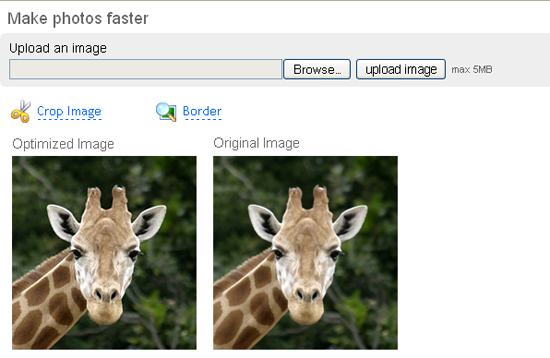
Web Reszier is the free online image Web Resizer helps you optimize photos for web or email. Easy to use. Amazing results!
PunyPNG
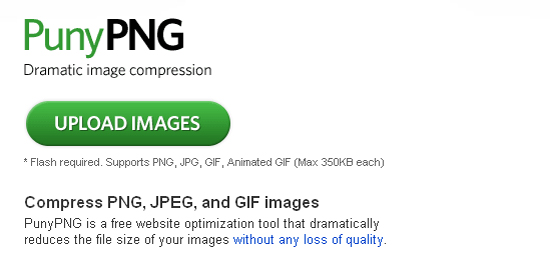
PunyPNG is a free website optimization tool that dramatically reduces the file size of your images without any loss of quality.
Dynamic Drive

Dynamic Drive is the another most populer image optimization tool. You can easily convert from one image type to another. Upload Size limit: 300 kB
iResize.com

iResize.com is a fast and free, simple-to-use online image resizing tool
Picresize.com
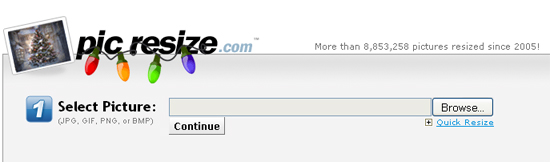
Picresize.com is the another most populer image optimization tool. You can easily crop and resize you image.
Image Optimizer
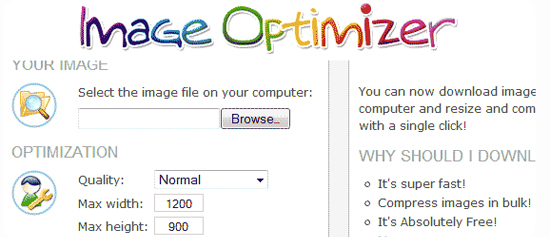
Using this free online service, you can resize, compress and optimize your image files at Image Optimizer.
EasyCropper

EasyCropper is the another image optimization tool. You can easily crop your image
StanleyShilov
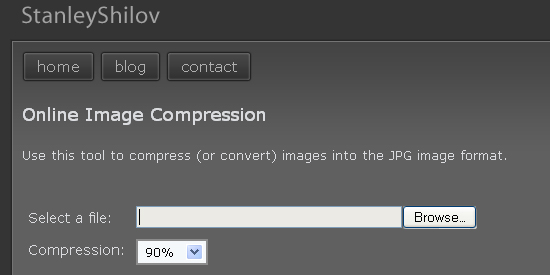
You can use this tool to compress (or convert) images into the JPG image format.
if you would like to receive more inspiration from us, please consider subscribing to our feed by RSS or by email.
Pingback: tripwire magazine | tripwire magazine
Very useful tools, thanks
.-= Wow Flickr´s last blog ..27 Outstanding Car HDR Photos =-.
Awesome collection! Another one I’d mention is OptiPNG, which isn’t web based but is still a great tool.
Good job, I’ve tweeted it!
.-= Nick Parsons´s last blog ..WordPress Plugin Bootcamp Part 2 – Pages,Widgets & Options =-.
Thanks Nick for you suggestion and comment, and also thanks for tweeting this post.
Pingback: 10 Herramientas de Optimización de Imágenes | Recursos para Diseñadores Gráficos y Web | Creativos Online
Pingback: Mes favoris du 19-01-10 au 20-01-10 » Gilles Toubiana
Pingback: 85+ Fresh Community Articles for Designers and Developers | Afif Fattouh - Web Specialist
PunyPNG?! How can a compression be without quality loss? Is this possible. Anybody made experience with PunyPNG?
Pingback: 10 herramientas en línea para la optimización de la imagen | Cosas sencillas
Pingback: 10 paginas para optimizar imagenes | Tutor Grafico
Great list, but as you said there are alternatives to the widely preferred Photoshop. My program of choice when editing/optimizing photos is GIMP. In my experience, it does everything Photoshop can and it’s free.
.-= Rene @ The Easy Cash´s last blog ..Optimize Website Pictures With GIMP =-.
Here is a quality free online tool also.
http://www.image-resizer.eu
With our Online Picture Resizer high quality engine, you may resize, crop and rotate images, apply Text-Over-Image or effects such as grayscale, sepia and invert.
another optimization tool is imgoptimize.com